7-day free trial · map your working world in about ten minutes · no HR integration required — check your organisation's policies before recording colleague data
Who do I need?
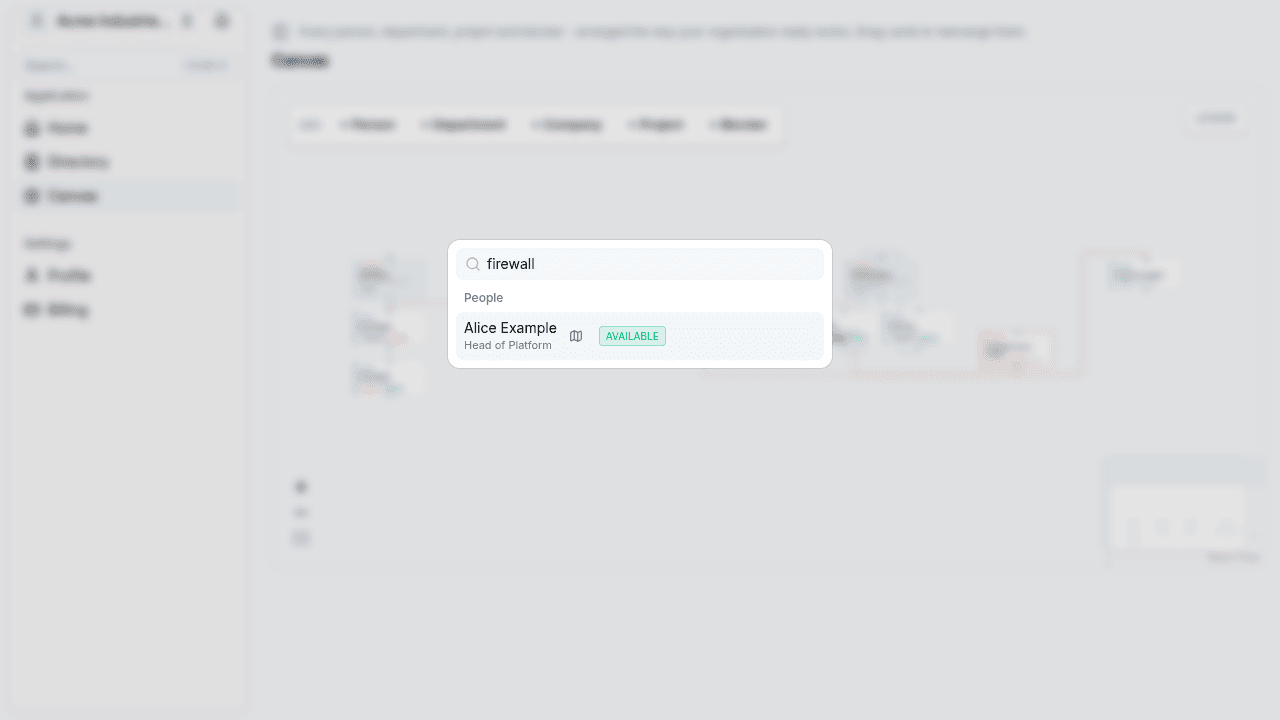
Search people, departments and roles in seconds.
What do they own?
Remits and relationships the HR chart never shows.
Are they in?
Working patterns, leave and part-time, in their timezone.
Who covers them?
A named delegate on every person — no dead ends.
Who does what — written down, finally
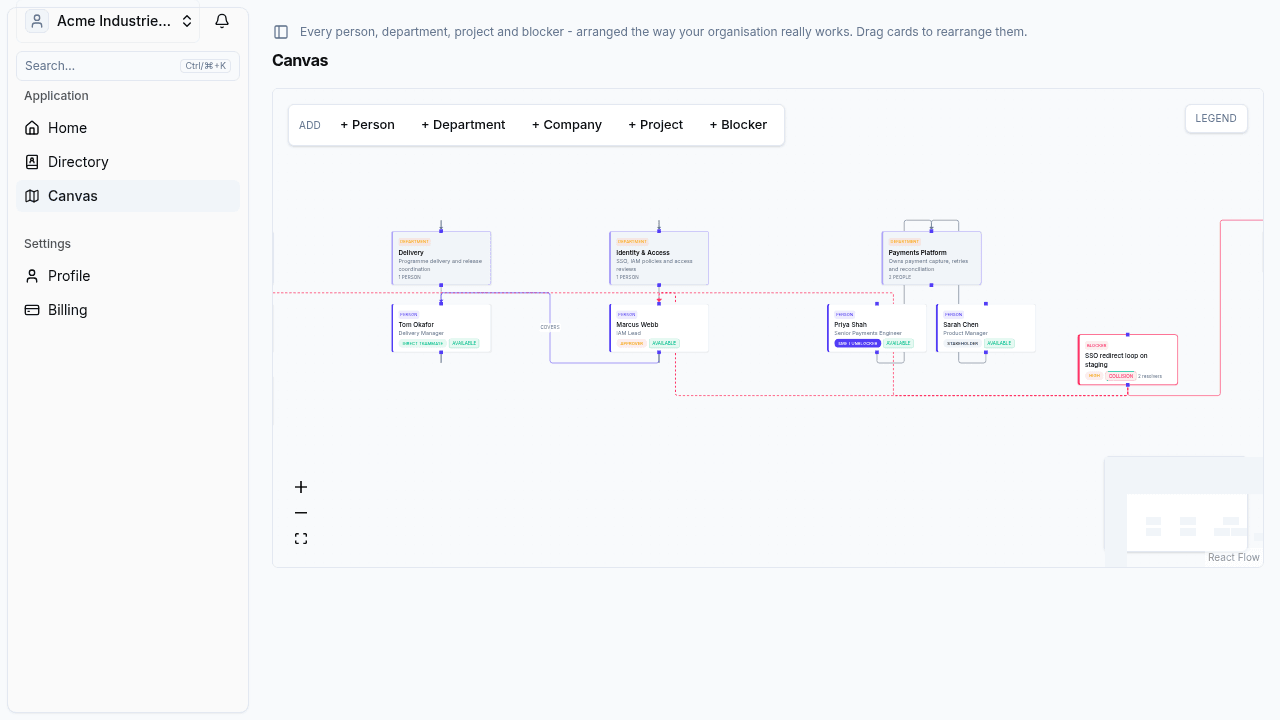
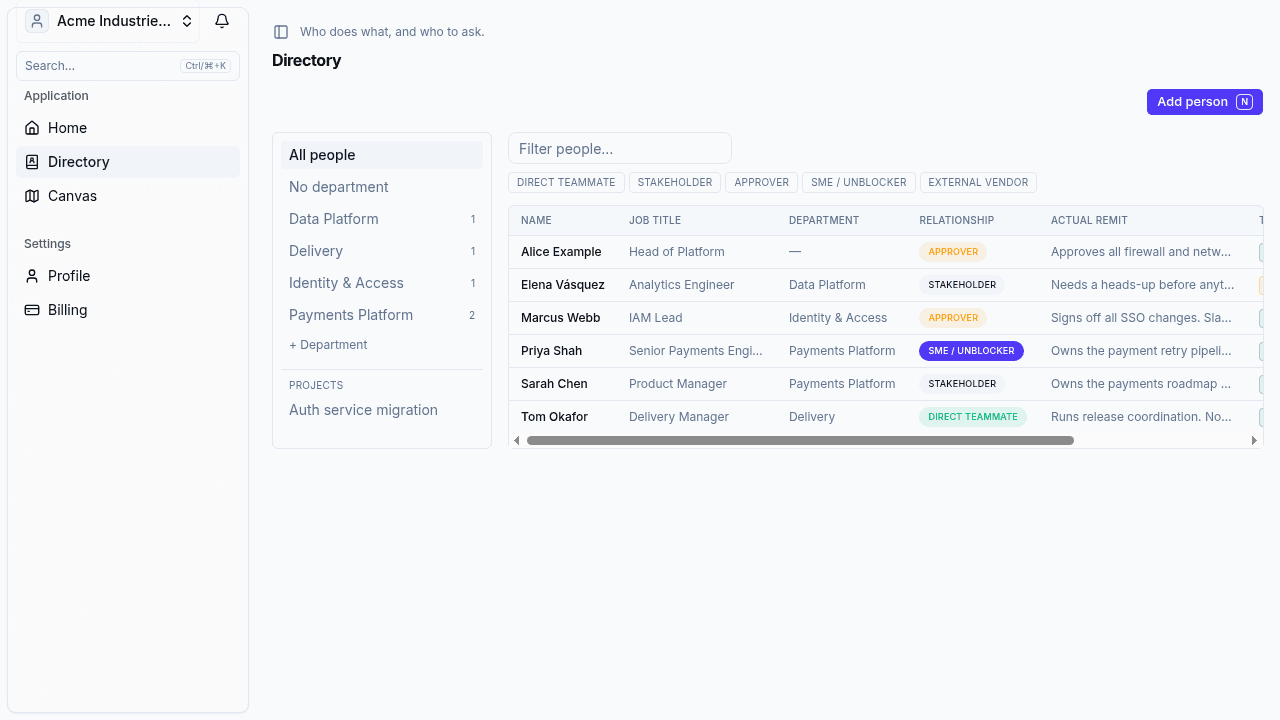
The HR org chart tells you reporting lines. It doesn't tell you that Priya owns the payment retry pipeline, that Marcus approves every SSO change, or that Elena needs a heads-up before anyone touches the warehouse schema. OrgBearings captures the knowledge that actually gets work done — remits, relationships and how each person prefers to be contacted.
- People, departments and roles in one searchable map
- Remits and relationships — resolver, approver, stakeholder
- Comms preferences, so you ask the right way the first time
Priya Shah
Payments Platform
Owns the payment retry pipeline — escalate failed captures here first.
Marcus Webb
Identity & Access
Signs off all SSO changes. Slack beats email by a week.
Elena Vásquez
Data Platform
Needs a heads-up before anything touches the warehouse schema.
Who's in today — and who covers them
Working patterns, leave and external commitments per person, evaluated in their own timezone. When someone's away, their delegate is right there on the card — so 'is anyone covering this?' is answered before you have to ask.
- Working patterns and core hours per person, per timezone
- Leave and external activities on the same picture
- A named delegate on every person — coverage is designed, not hoped for
Priya Shah
MON–FRI · 09:00–17:30 ISTElena Vásquez
MON–THU · 08:00–14:00 CETMarcus Webb
10–14 NOVJames Liang
VENDOR CONF · 12–13 NOVStatus is computed per person, in their timezone — London, Kolkata, Madrid, wherever they actually work.
Deadlines don't land on empty chairs
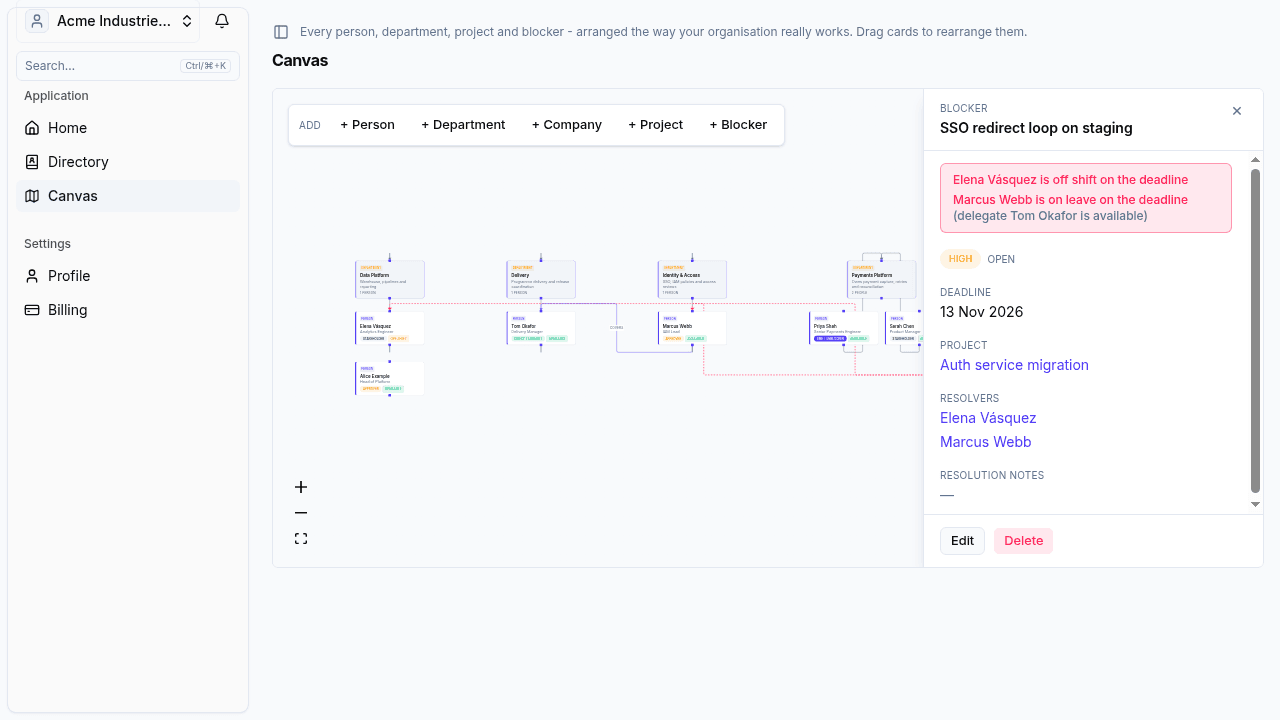
When a blocker's deadline falls inside its resolver's leave, OrgBearings flags the collision — and points at the delegate who can actually move it. Problems surface weeks early, not on the day the deadline slips.
SSO redirect loop on staging
Auth service migration · blocker
Capacity collision
The deadline lands inside resolver Marcus Webb's leave — this blocker can't move for 4 days unless cover is confirmed.
Suggested cover: Tom Okafor — nominated delegate, in today
InRamp up on day one. Leave nothing behind.
New starters get an Orientation briefing built from the live map. Leavers export a handover pack. The tribal knowledge stops living in one head.
The five people you will actually work with
Who approves what (and who really decides)
Who's in today — patterns, leave and cover
Live blockers that might land on your desk
Leaving? Export the map you built — every person, remit, pattern and open blocker — as a printable pack or JSON/CSV. Your successor starts where you finished.
Capture your working world
Type in the people you actually work with — name, department, what they own, how to reach them. Press N, add, repeat.
Mark patterns and cover
Working hours, leave, part-time days — and who picks things up when each person's away.
Watch collisions surface
Add blockers with deadlines. OrgBearings warns you before a deadline lands on someone who's away.
See it working
Real screens, not mock-ups — captured on a demo workspace with a fictional team.
Free trial7 days on every plan.
Fair pricing for teams of every size
Start your free trial and pick the plan that fits.
The map your organisation already needed.
One person can map their working world in about ten minutes. Start your free trial — cancel anytime.